What exactly is in the suite?
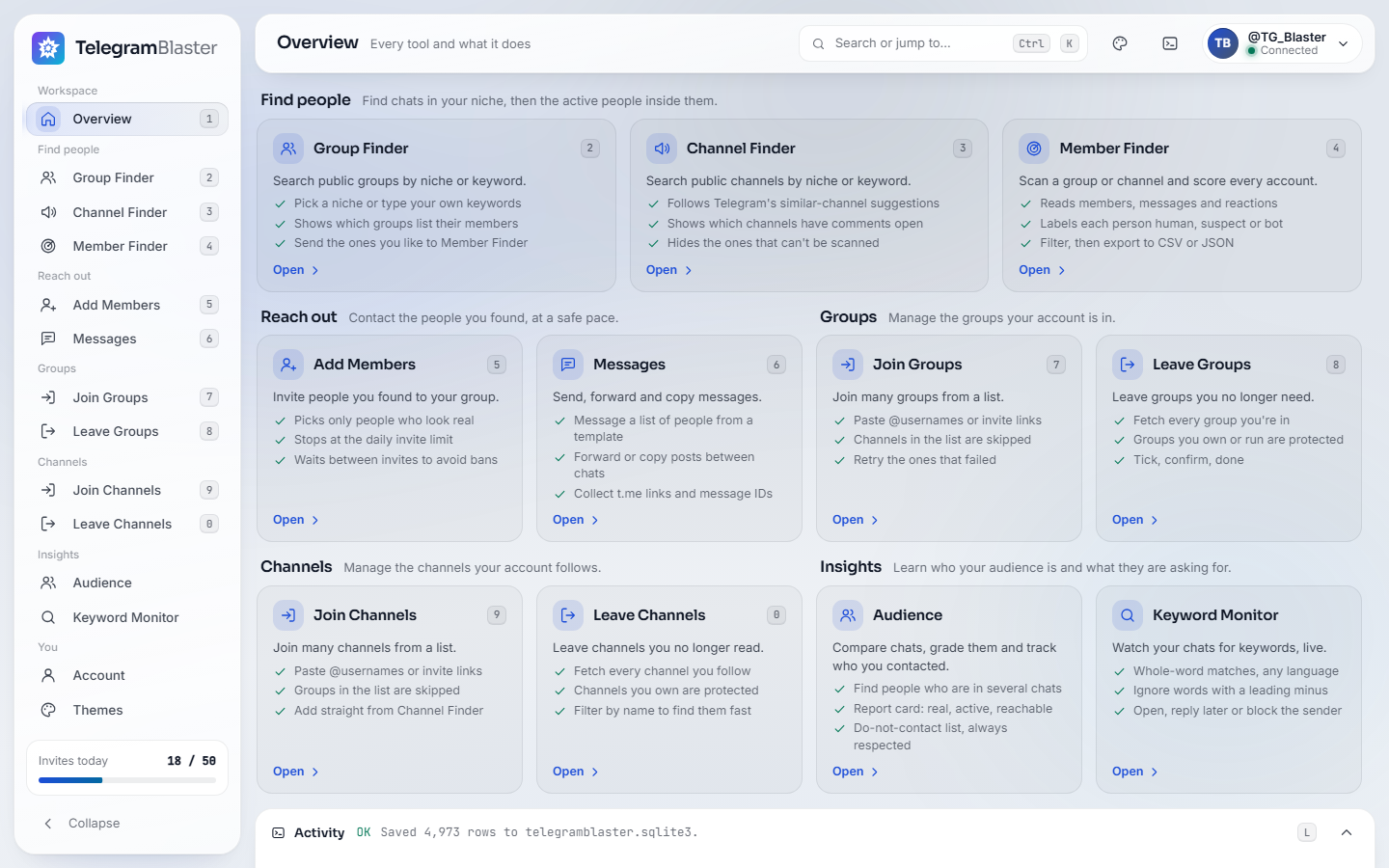
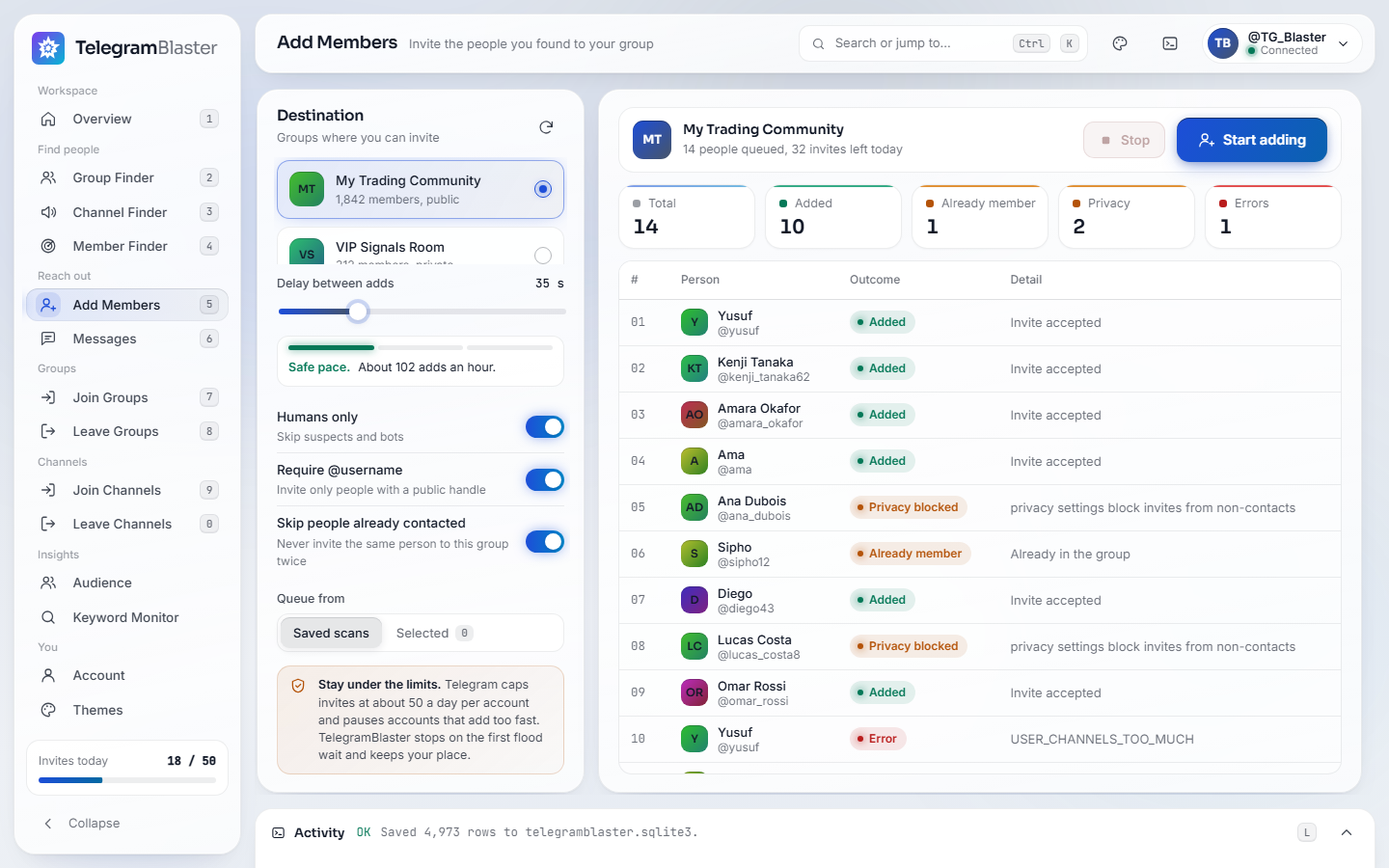
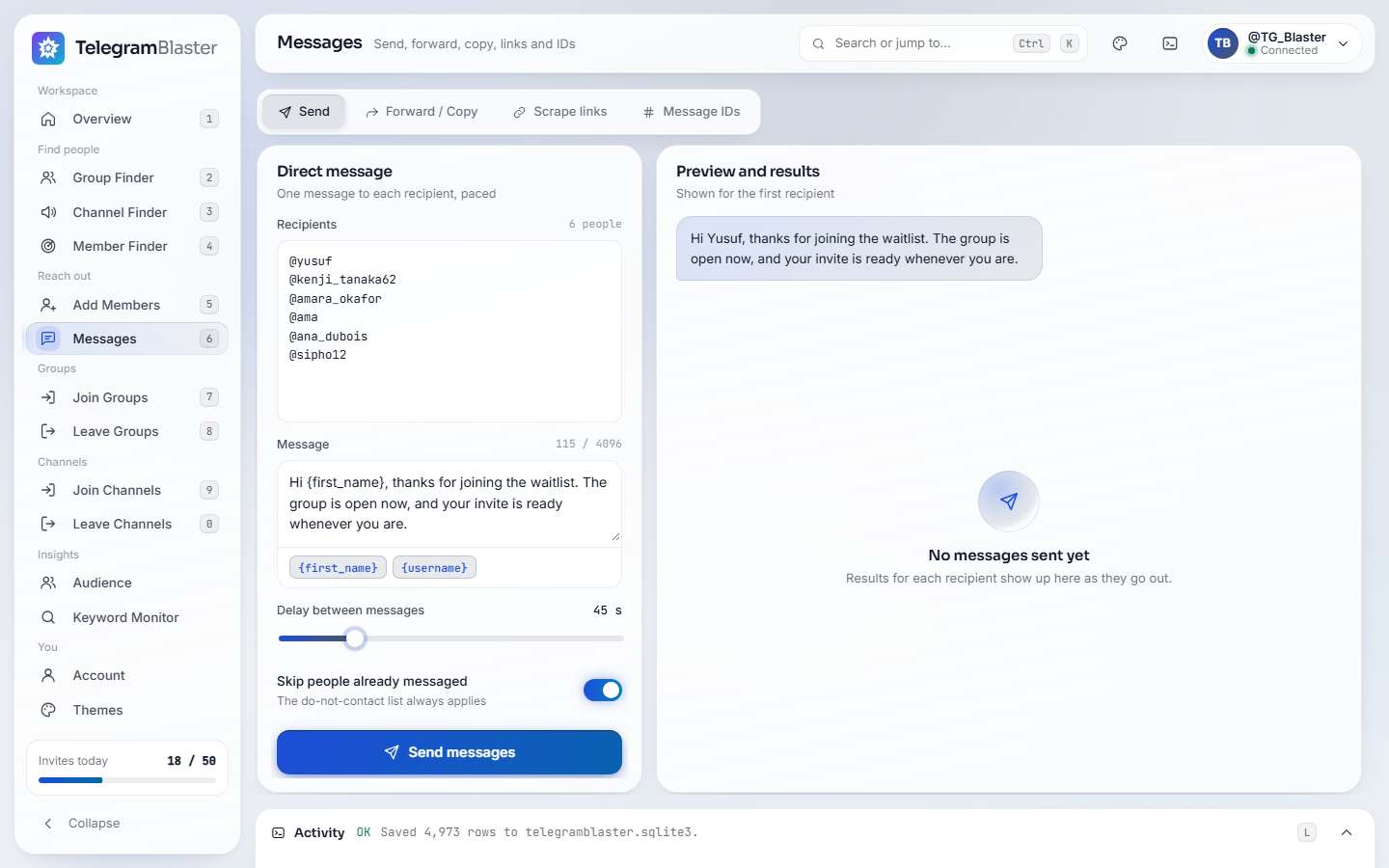
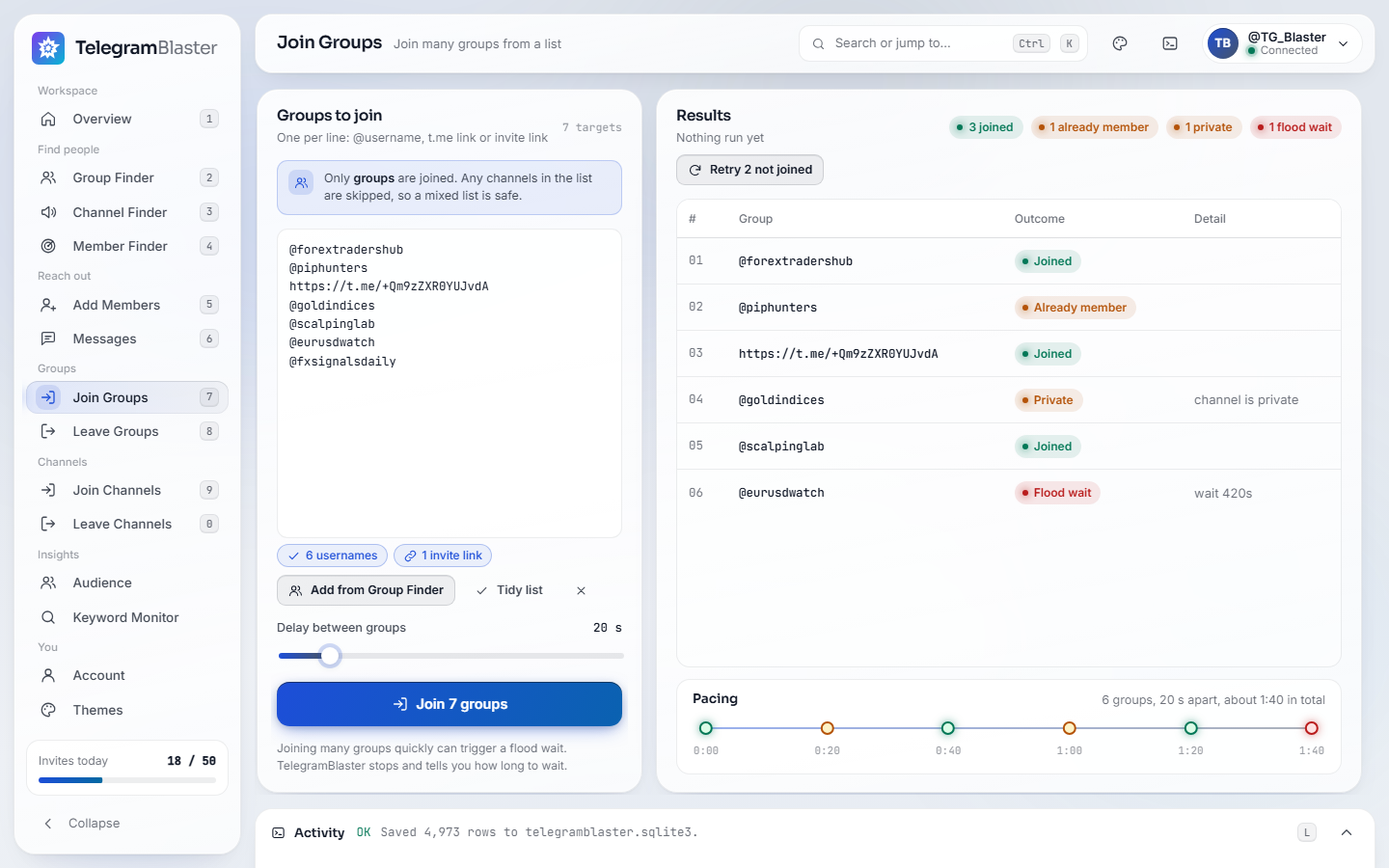
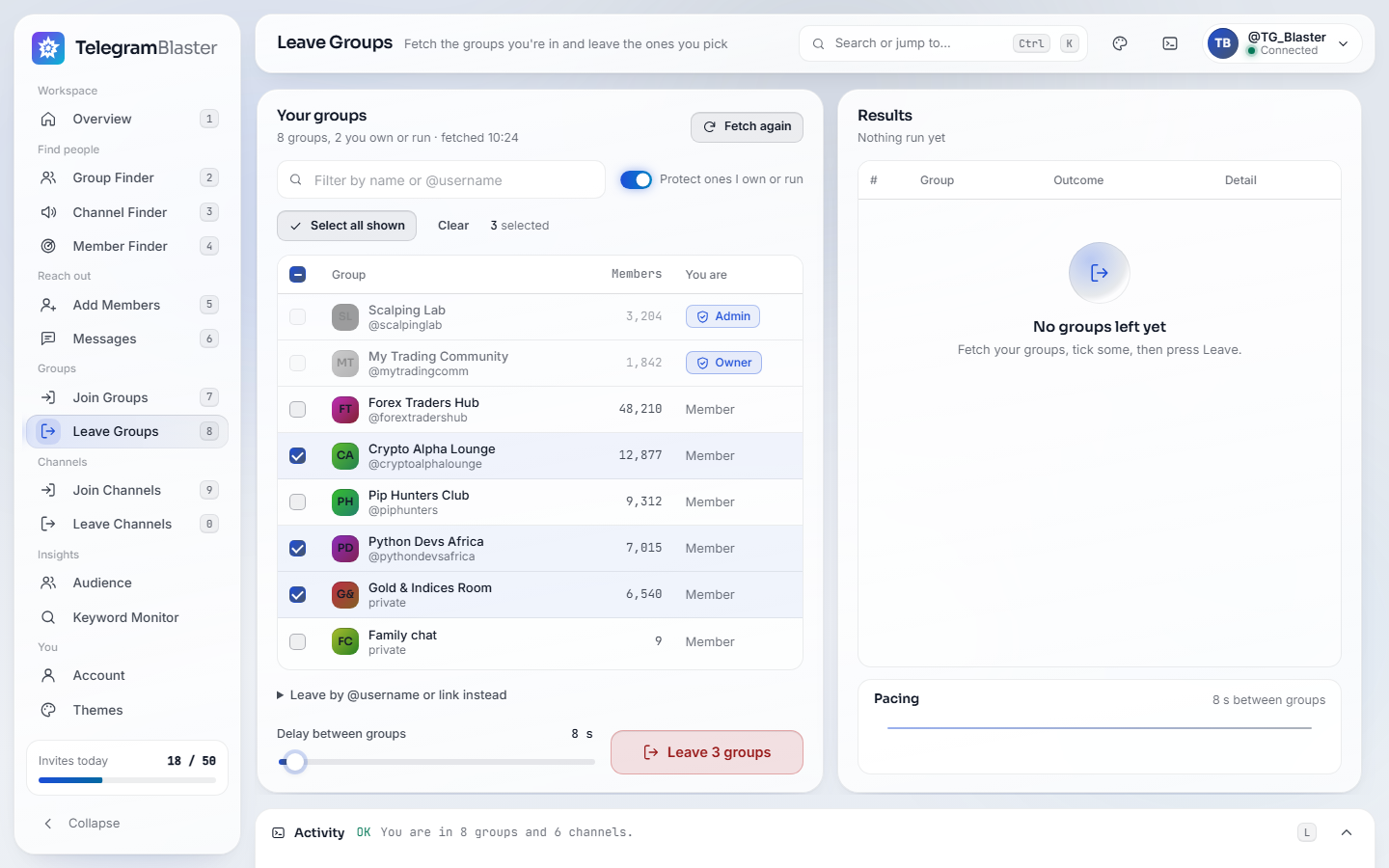
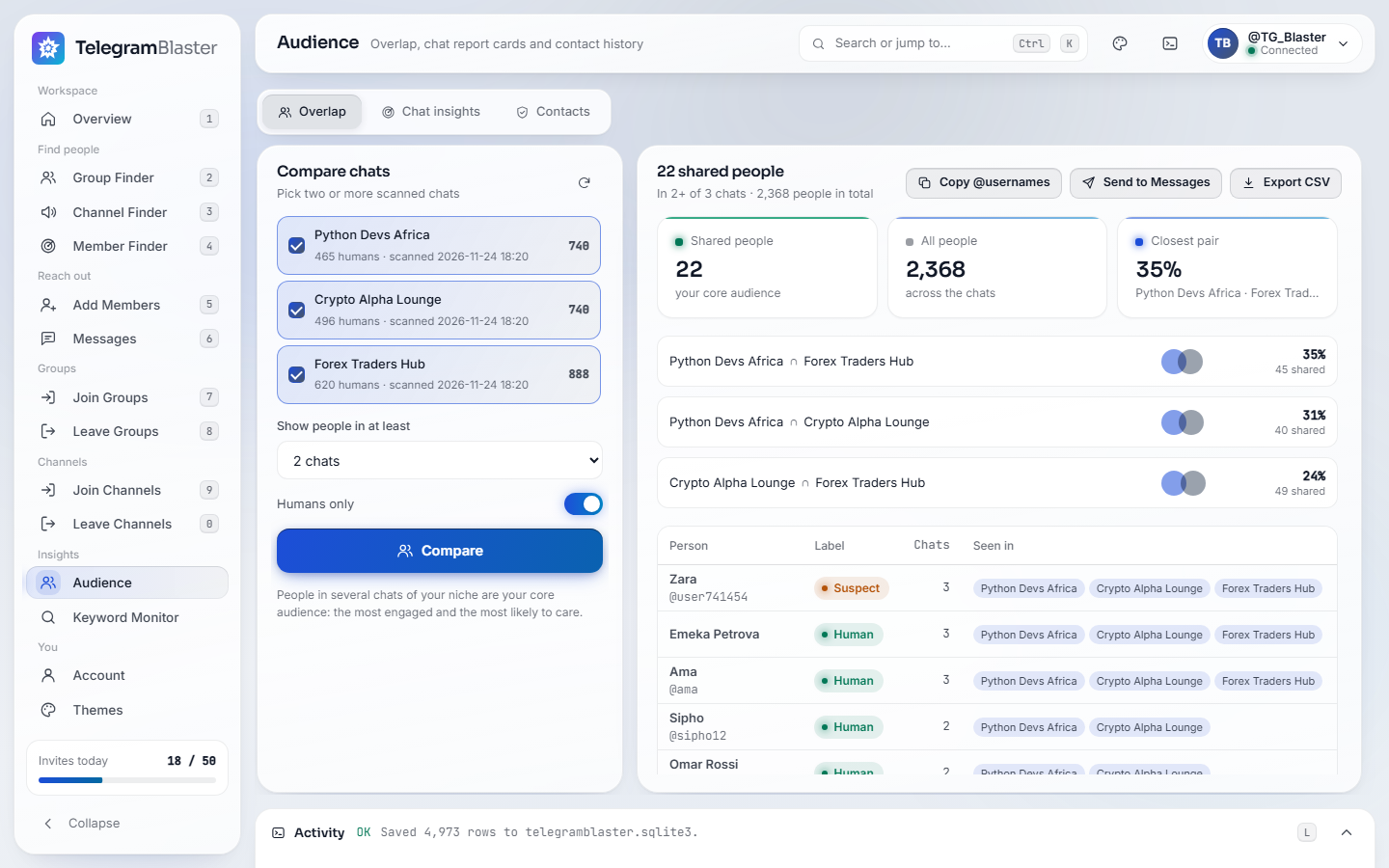
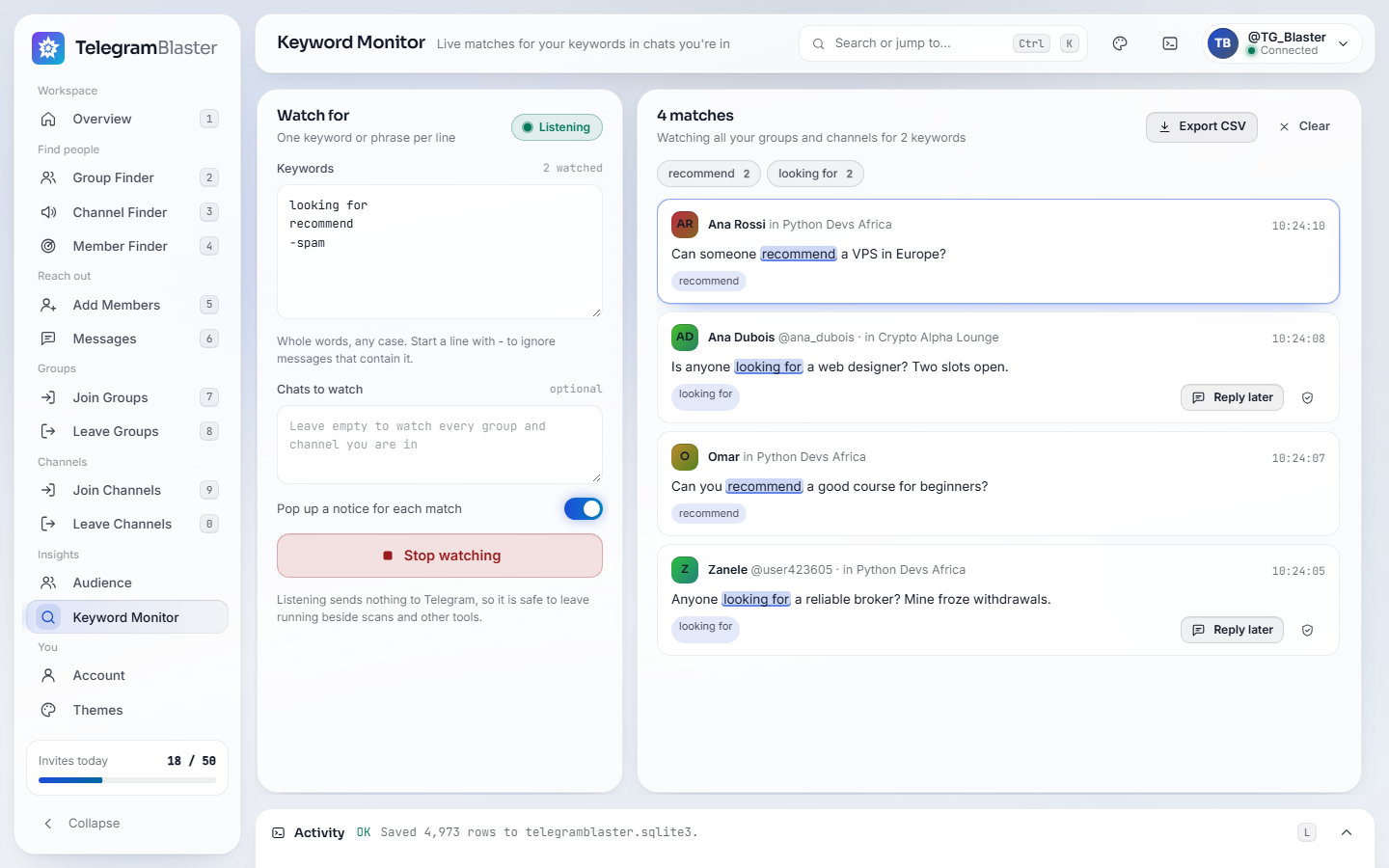
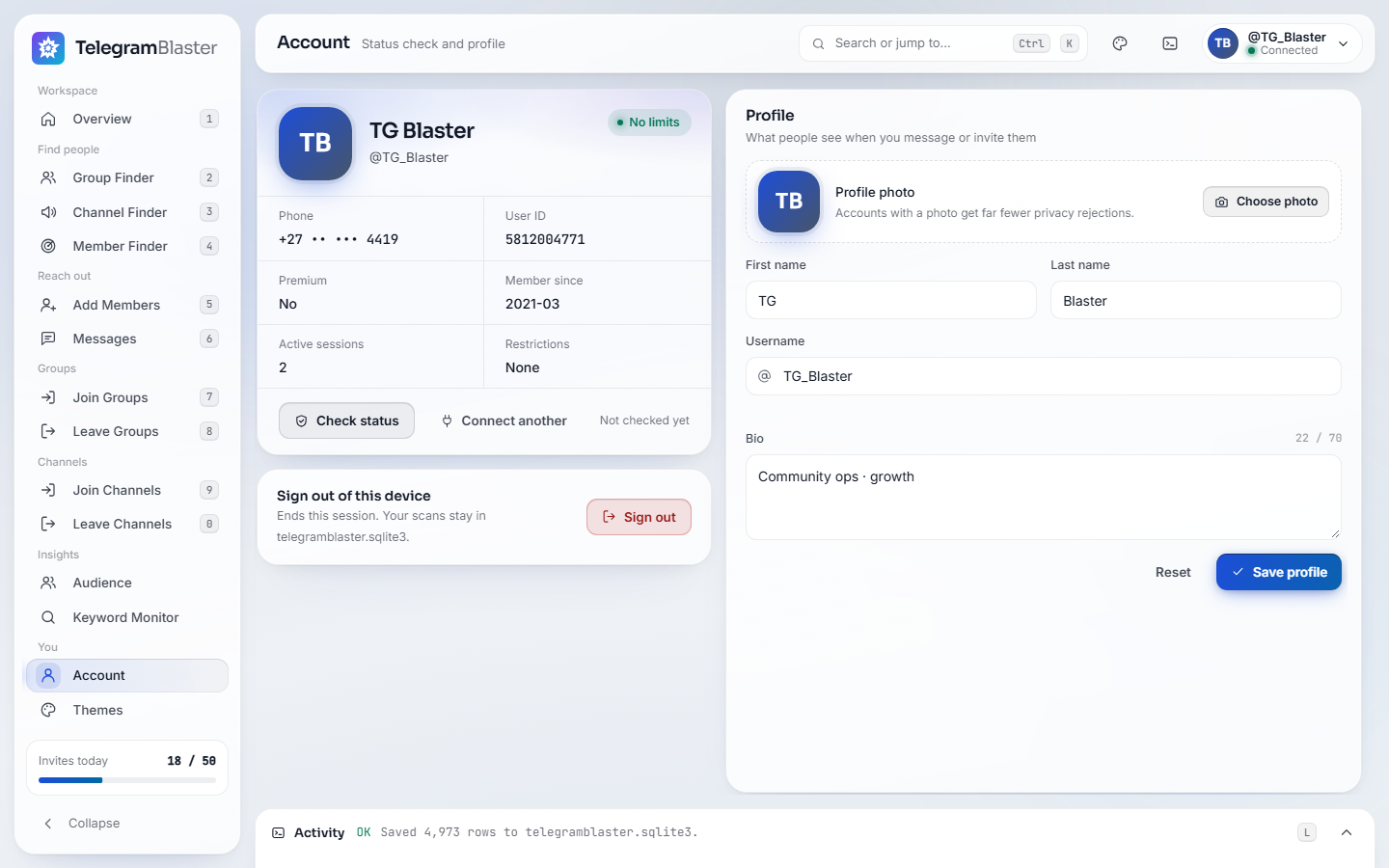
Twelve tools in one app: Overview, Group Finder, Channel Finder, Member Finder, Add Members, Messages, Join Groups and Channels, Leave Groups and Channels, Audience, Keyword Monitor, Account and Export. They share one Telegram login, one history and one set of limits.
Do I still need other tools?
Not for the jobs on this page. Finding chats, extracting members, filtering, adding, messaging, joining, leaving, analysing, monitoring and exporting are all in the app, and results pass from one tool to the next without files.
What do I need to run it?
A Windows PC, a Telegram account, and API keys from my.telegram.org. The keys are free and take about two minutes to create. The app can save them for you from its Connect window.
Can I try it before I pay?
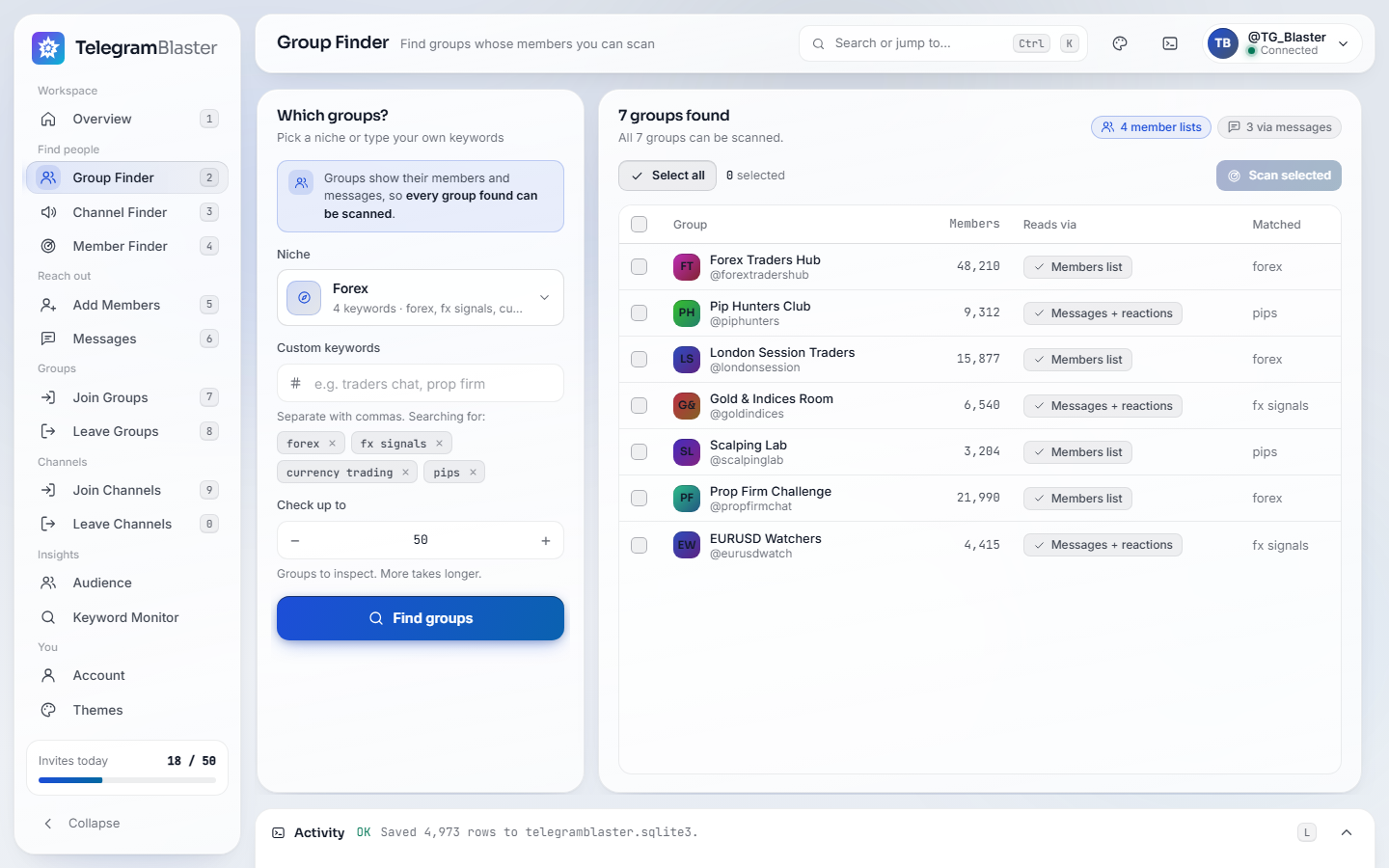
Yes. Every new account gets a free trial of the three finder tools. Group Finder, Channel Finder and Member Finder find 20 groups, 20 channels and 20 members for you, on your own Telegram account. It is counted in results, not days, so there is no rush, and you do not enter any payment details. The other nine tools, and exporting what you find, unlock when you subscribe. The trial is one per person and per PC.
How does the licence work?
One licence runs the app on one PC. You activate it by typing your email address into the app, then the six-digit code we send you. You can move a licence to another PC yourself from your account, and add licences if you use more than one PC.
Is this allowed?
Reading public groups is something any Telegram account can do. What you do with the result is where the rules apply. Only invite or message people who expect to hear from you. Telegram's terms prohibit unsolicited adding and spam, and accounts that do it get restricted. The data you collect is personal data, so privacy laws such as GDPR apply to storing and using it.
Will my account be safe?
No tool can promise that. TelegramBlaster lowers the risk with a daily invite cap, a delay between actions, an automatic stop on the first flood wait, and a memory of every wait Telegram gives, shared by every tool. Using your own established account and keeping volumes modest matters just as much.
Is my data private?
The app runs on your PC and talks to Telegram directly, with your own API keys. Your Telegram login, scan results and contact lists never reach us: results are in a local SQLite database and your Telegram session is a file on your disk. Our server only looks after your TelegramBlaster account and licence. For that it sees your email address, the name of your PC and the internet address it connects from.
What if a group hides its member list?
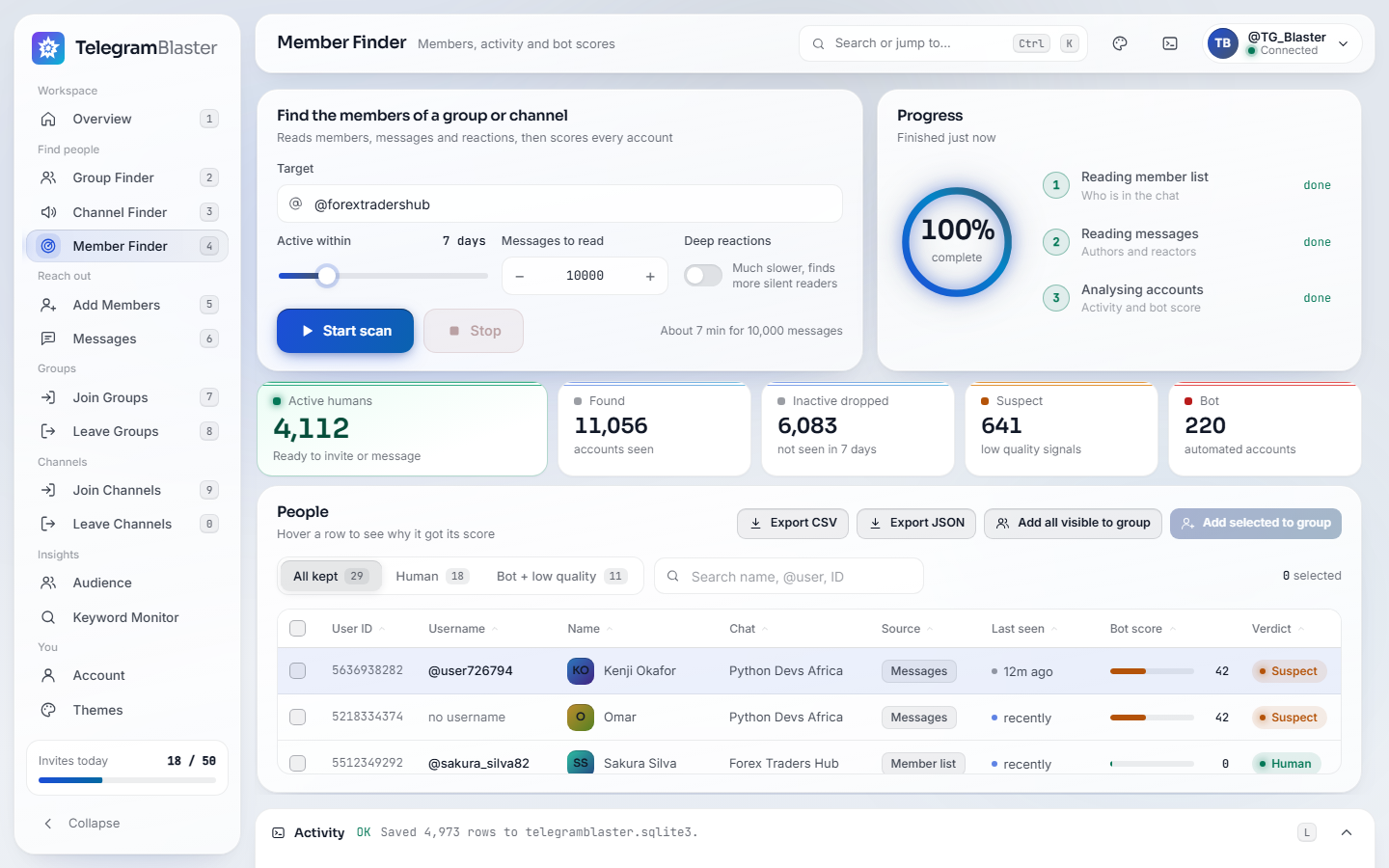
Member Finder falls back to the authors of recent messages and the people who react to them. You choose how many messages to read.
Can it work with channels as well as groups?
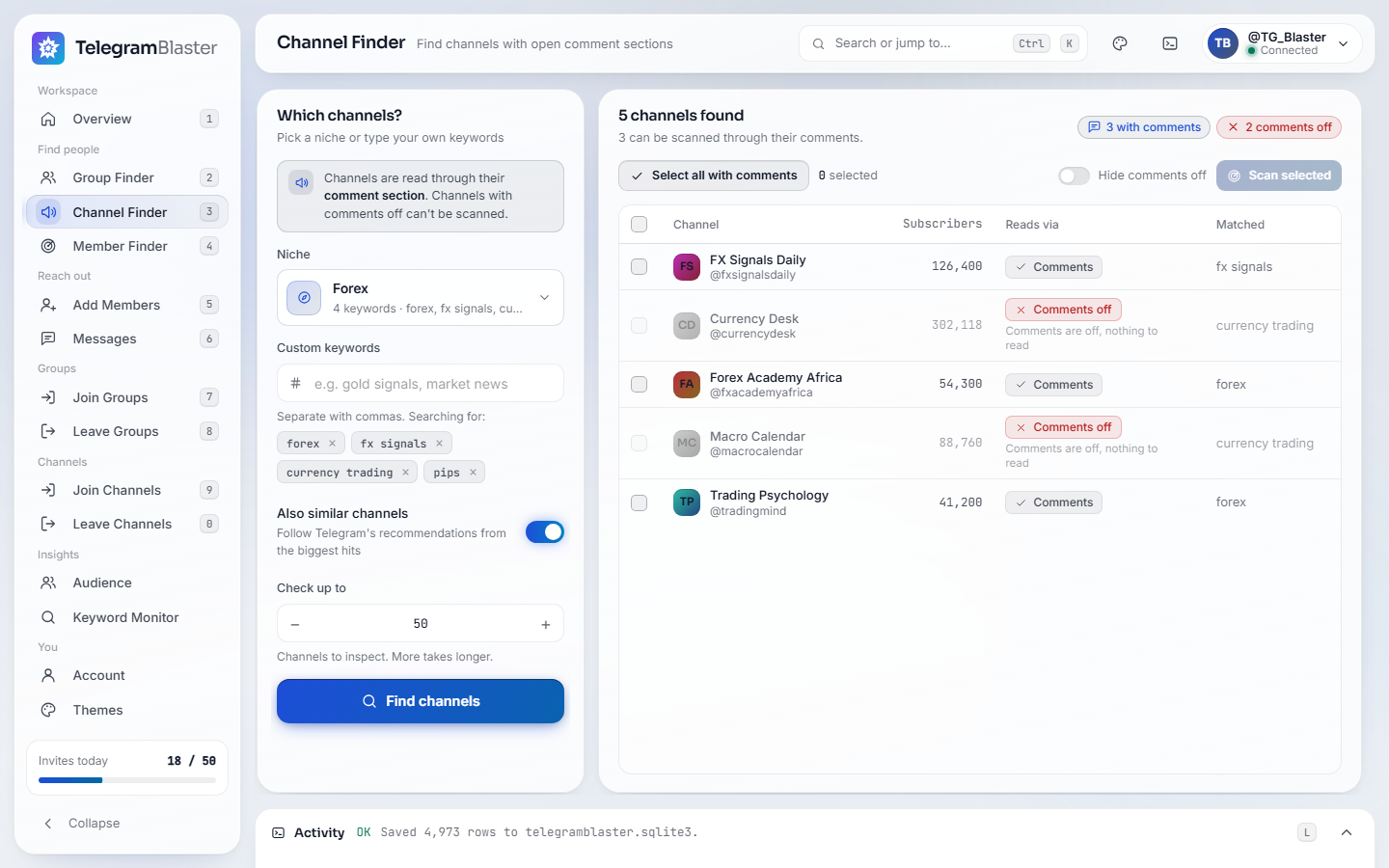
Yes. Channel Finder finds them, Member Finder reads them through their comment section, and Join Channels and Leave Channels manage them. A channel with comments turned off cannot be scanned unless you are its admin.
How many people can I add in a day?
The app stops at 50. Telegram applies its own limit per account, and fresh accounts are often held to around 20. People who block invites in their privacy settings cannot be added by anyone.
How does it tell bots from people?
Member Finder scores every account from 0 to 100 on eleven signals, such as no photo, repeated messages or machine-speed bursts, and labels it human, suspect or bot. It is a filter to help you, not a verdict.
What formats can I export?
CSV and JSON. You can export everything, only humans, or only flagged accounts. The full results stay in the local database either way. Exporting needs a subscription: the free trial shows results on screen only.
Do I need technical skills?
No. There is no command line and nothing to script. Every tool is a page with fields and buttons, and the free trial lets you try the three finders before you pay. The one setup step is copying two values from my.telegram.org into the Connect window.
Does it work on Mac or Linux?
The desktop app is built and tested for Windows. That is the only platform we state support for.
My niche is not on the list. Can I still use it?
Yes. The 15 built-in niches are starting points. Group Finder and Channel Finder also search your own keywords: type them in, separated by commas, on their own or added to any niche.